Skip to content
- Help Center
- Image Tools
- Getting started
Compress your first image
Compress your images
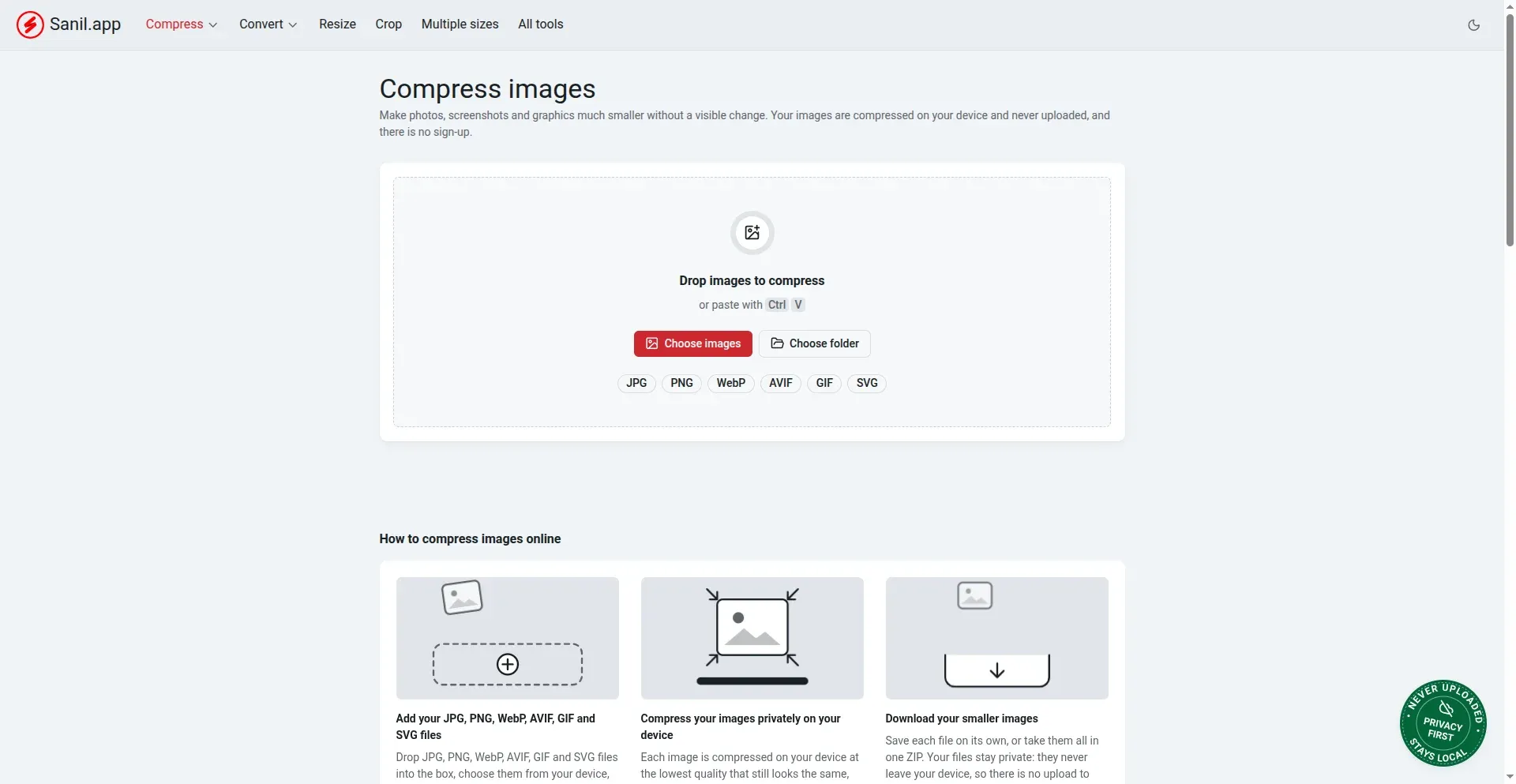 The Compress images page.
- Open Image Tools. Go to imagetools.sanil.app. Compress is the first tool.
- Add your images. Drop them into the box, click Choose images, click Choose folder to add a whole folder, or paste a copied picture with Ctrl + V.
- Wait a moment. Each image is compressed on your device. There are no settings to choose: it picks the smallest file that still looks the same.
- Download. Save each file on its own, or click Download all (ZIP) to get everything in one file. See Download a batch as a ZIP or to a folder.
Good to know
Was this article helpful?